"How many gateways do we need?" is usually the first question in any LoRaWAN project, and the marketing answer (one gateway, 15 km of coverage) is rarely the right one. Real-world range depends on where the gateway is mounted, what is in the way, and where the sensors sit. This guide gives realistic figures and practical starting points for common sites.
Realistic LoRaWAN Range Figures
These ranges assume a properly mounted gateway and typical battery-powered sensors. Headline distance records are real, but they are set with elevated gateways and clear line of sight, not sensors in basements.
| Environment | Typical Range | Notes |
|---|---|---|
| Indoor gateway, same building | 30-50 m through walls, 2-5 floors | Concrete and metal reduce this |
| Dense urban, outdoor gateway | 1-3 km | Less for deep-indoor sensors |
| Suburban / light industrial | 2-5 km | Depends heavily on mast height |
| Rural, open terrain | 5-15 km | Tree lines and hills still matter |
For a closer look at how indoor and outdoor hardware compare, see our guide to indoor vs outdoor LoRaWAN gateways.
What Actually Determines Range
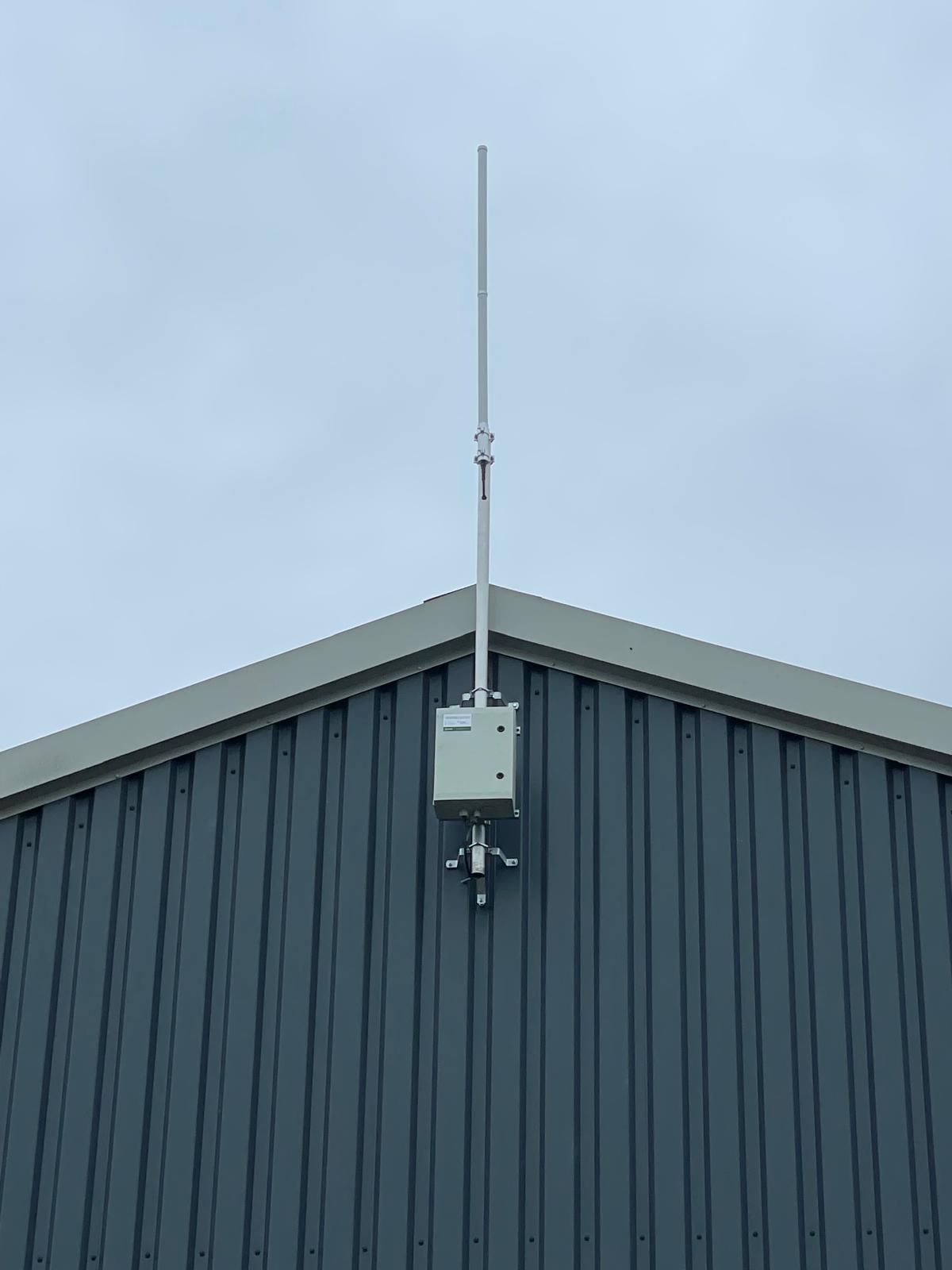
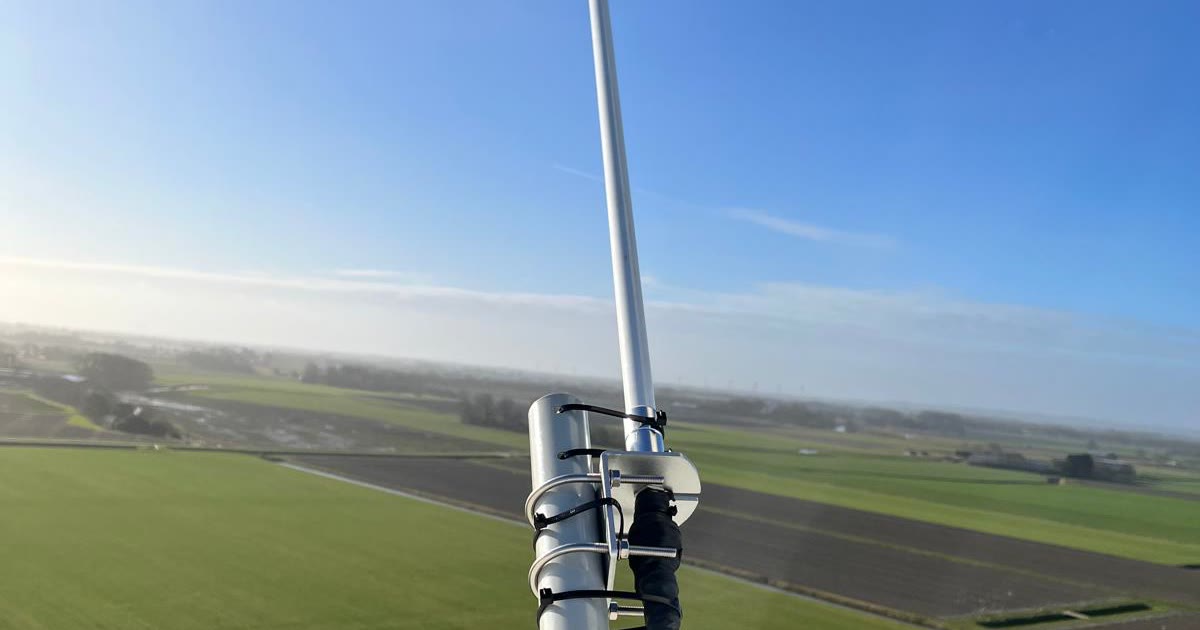
- →Antenna height: The single biggest factor. Raising a gateway from a first-floor window to a rooftop mast can multiply its useful range, because it clears nearby buildings, trees, and terrain.
- →Obstructions and materials: Concrete, steel cladding, coated glass, and underground spaces all absorb signal. A sensor inside a metal cabinet in a basement is a very different target from one on an exterior wall.
- →Spreading factor: Higher spreading factors (SF11, SF12) reach further but take much longer to transmit, which drains batteries and uses more of the EU868 duty cycle. Good coverage lets devices use faster, lower spreading factors.
- →The sensor end of the link: Sensors have small antennas and limited transmit power. In most deployments the device, not the gateway, is the weak side of the link.
- →Cabling and interference: Long, thin coax runs lose signal before it reaches the antenna, and a noisy radio environment can mask weak devices.
Line of Sight Is Not Enough: The Fresnel Zone
Radio signals do not travel along a thin line. They occupy an elliptical region between transmitter and receiver called the Fresnel zone, and obstacles inside it degrade the link even when you can see the gateway from the sensor. As a rule of thumb, keep at least 60% of the first Fresnel zone clear.
At 868 MHz over a 5 km link, the first Fresnel zone is roughly 20 metres in radius at the midpoint. That is why a gateway at ground level with "clear line of sight" across a field still underperforms, and why mounting height makes such a large difference.
How Many Sensors Can One Gateway Handle?
In most deployments, range runs out long before capacity does. An 8-channel gateway can receive multiple messages at once across different channels and spreading factors, and typical sensors send small messages only a few times an hour. A single well-placed gateway can comfortably serve thousands of such sensors.
Capacity becomes a concern with dense, chatty deployments or when many devices are forced onto high spreading factors because coverage is weak. Counter-intuitively, the fix is often more gateways: better coverage lets adaptive data rate (ADR) move devices to faster spreading factors, which shortens airtime, frees capacity, and extends battery life.
Plan for Redundancy, Not Just Coverage
LoRaWAN has a useful property: devices are not tied to a single gateway. Every gateway in range forwards the same uplink, and the network server removes the duplicates. Overlapping coverage therefore costs nothing in configuration and gives you resilience for free. If one gateway loses power, the others keep receiving.
For anything business-critical, aim for each important sensor to be heard by at least two gateways. It is the simplest way to stop a single outage from becoming a data gap.
Rules of Thumb for Common Sites
These are starting points for planning, not guarantees. Always verify coverage on site before committing to a final design.
| Site | Typical Starting Point | Watch Out For |
|---|---|---|
| Warehouse or distribution centre | 1 gateway, plus 1 for redundancy on large sites | Metal racking, cold stores |
| Multi-storey office | 1 indoor gateway per 2-5 floors, or 1 rooftop gateway for low-rise buildings | Basements, lift shafts |
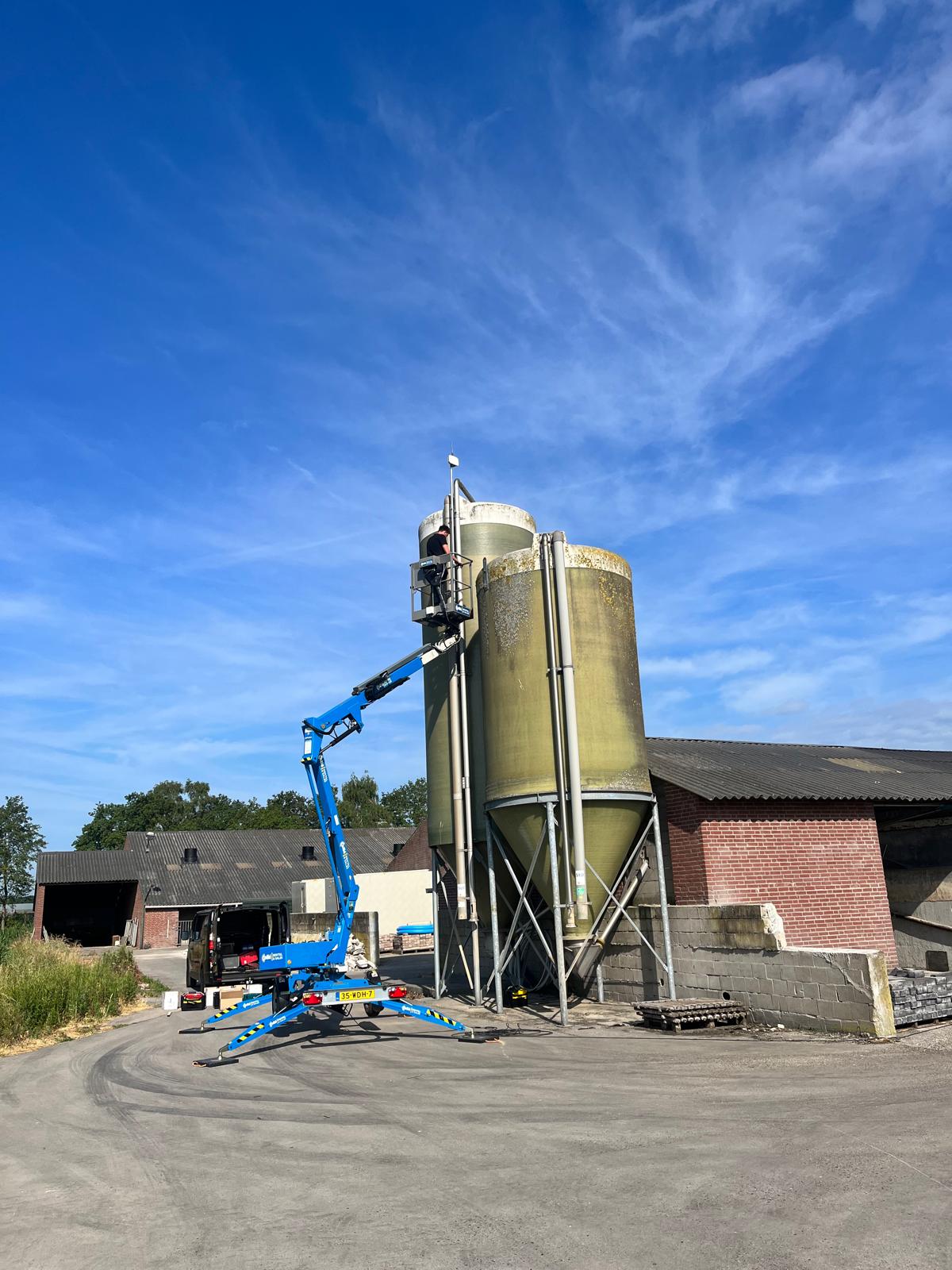
| Farm or rural holding | 1 outdoor gateway high on a barn or silo; 2 for large or hilly land | Steel sheds, tree lines |
| Industrial site or campus | 2-3 outdoor gateways with overlap | Tanks, steel structures |
| Town or city district | Outdoor gateways every 1-3 km | Meters in basements need denser grids |
How to Verify Coverage Before You Commit
A short site survey saves a lot of rework. Mount a temporary gateway at the proposed location and walk the site with a field tester or a sample sensor, logging signal strength (RSSI) and signal-to-noise ratio (SNR) at each sensor position. Pay particular attention to the hardest locations: basements, metal enclosures, and the far edges of the site.
Aim for a healthy margin rather than a link that barely works on a dry day. Foliage in summer, rain, and parked vehicles all reduce signal, and a sensor at the edge of coverage will drop out intermittently. Our field report on deploying LoRaWAN gateways at scale covers what we have learned from surveys across farms, factories, and coastal sites.
How EdgePilot Helps With Coverage Planning
Our engineering team can carry out site surveys and coverage planning as part of a deployment, so you know how many gateways you need before you order them. Once installed, every gateway is monitored and maintained by us, and adding coverage later is as simple as adding another gateway to your plan.
See our gateway and engineering pricing, or tell us about your sites and we will help you size the deployment.
LoRaWAN Range FAQ
How far can LoRaWAN reach?
Typically 1-3 km in dense urban areas and 5-15 km in open rural terrain with a well-mounted outdoor gateway. Much longer links are possible with elevation and clear line of sight, but they are not a sensible basis for planning.
Does a higher spreading factor always mean better coverage?
It extends range, but at a cost. Messages at SF12 take far longer to send than at SF7, which uses more battery and duty cycle and reduces network capacity. Adding a gateway is usually a better fix than relying on high spreading factors.
Can I add gateways later?
Yes. Because every gateway in range forwards traffic to the same network server, new gateways simply add coverage and redundancy. Devices do not need to be reconfigured.
Want a coverage plan for your site?
Our engineers can assess your sites and tell you how many gateways you need, and where to put them.
Request a Demo