An offline LoRaWAN gateway is a quiet failure. Nothing beeps, nothing crashes, and the first sign is usually a dashboard full of sensors that stopped reporting hours ago. The good news is that the causes are rarely exotic. Almost every offline gateway comes down to one of a handful of problems, and working through them in the right order gets you to the answer quickly.
This checklist works from the bottom of the stack upwards: power, backhaul, time, packet forwarder, radio, and finally the devices themselves. Skipping ahead is tempting, but most wasted troubleshooting time is spent debugging network server settings on a gateway that has simply lost its internet connection.
First, Work Out What "Offline" Means
"The gateway is offline" can describe three quite different situations. Identifying which one you have tells you where to start.
| Symptom | Likely Problem Area | Start At |
|---|---|---|
| Network server has not seen the gateway at all | Power, backhaul, DNS, time, or forwarder configuration | Step 1 |
| Gateway connected, but no uplinks arriving | Frequency plan, antenna, cabling, or radio concentrator | Step 5 |
| Uplinks arrive, but joins or downlinks fail | Downlink timing, duty cycle, or device configuration | Step 6 |
Step 1: Power and Hardware
Start with the obvious, because it is often the answer. Check that the gateway is actually powered and has booted. A failed PoE injector, a tripped socket, or a power supply that was borrowed for something else accounts for a surprising share of "mystery" outages.
- →Status LEDs: Most gateways show power, network, and LoRa status separately. A power LED with no network LED already narrows things down.
- →Brown-outs and power cuts: Gateways that store their system on an SD card can corrupt it after repeated hard power loss. A gateway that boot-loops after a storm is a classic example.
- →Concentrator start-up:If you can reach the gateway's logs, look for errors starting the LoRa concentrator. The operating system can be running perfectly while the radio itself has failed to initialise.
Step 2: Backhaul Connectivity
A gateway that cannot reach the internet cannot reach your network server. This is the single most common cause of offline gateways, and it is frequently outside your control because the gateway is sharing someone else's network.
- →Ethernet: Check the link light, DHCP lease, and whether anything changed on the site network. New firewalls, VLAN changes, proxies, and router replacements all silently break gateways.
- →Wi-Fi: Changed passwords, captive portals, and weak signal are the usual suspects. Wi-Fi is fine for a desk test but fragile for a production gateway.
- →4G / LTE: Check signal strength, that the SIM is still active, that the data allowance has not run out, and that the APN settings are correct.
If backhaul keeps coming up as the root cause, it is worth reading our comparison of LoRaWAN gateway backhaul options. The way a gateway connects to the internet has a bigger effect on long-term reliability than almost any other choice.
Step 3: DNS and Time Synchronisation
A gateway can have a working internet connection and still fail to connect. Two quieter culprits are DNS and the system clock.
If DNS is blocked or misconfigured, the gateway cannot resolve your network server's hostname. If NTP is blocked by a firewall, the gateway's clock drifts or resets to a date years in the past. For any connection secured with TLS, such as LoRa Basics Station or an MQTT-based forwarder, a wrong clock makes certificates look invalid and the connection is refused. The logs often show a certificate error rather than a time error, which sends people looking in the wrong place.
Step 4: Packet Forwarder and Network Server Configuration
Once you know the gateway can reach the internet with the correct time, check that it is actually pointed at the right place with the right identity.
- →Gateway EUI: The EUI registered in your network server must match the one the gateway reports. A single swapped character is enough for the gateway to be ignored.
- →Semtech UDP packet forwarder: Confirm the server address and ports (1700 by default). UDP is connectionless, so a firewall dropping the traffic produces no error on the gateway at all. The forwarder just keeps sending into the void.
- →LoRa Basics Station: Check the LNS URI, port, and credentials. Expired or mistyped API keys and trust certificates are the most common faults.
- →ChirpStack: If you use the MQTT forwarder or gateway bridge, make sure the region topic prefix (for example
eu868) matches the region configured on the server.
If you are unsure where the gateway ends and the network server begins, our explainer on what a LoRaWAN network server does maps out the layers.
Step 5: Frequency Plan, Antenna, and Radio
If the network server shows the gateway as connected but no uplinks are arriving, the problem is on the radio side.
- →Wrong frequency plan: A gateway configured for US915 will never hear EU868 sensors. Channel plans that do not match the devices cause partial loss that is harder to spot. Our EU868 guide covers the standard European channels.
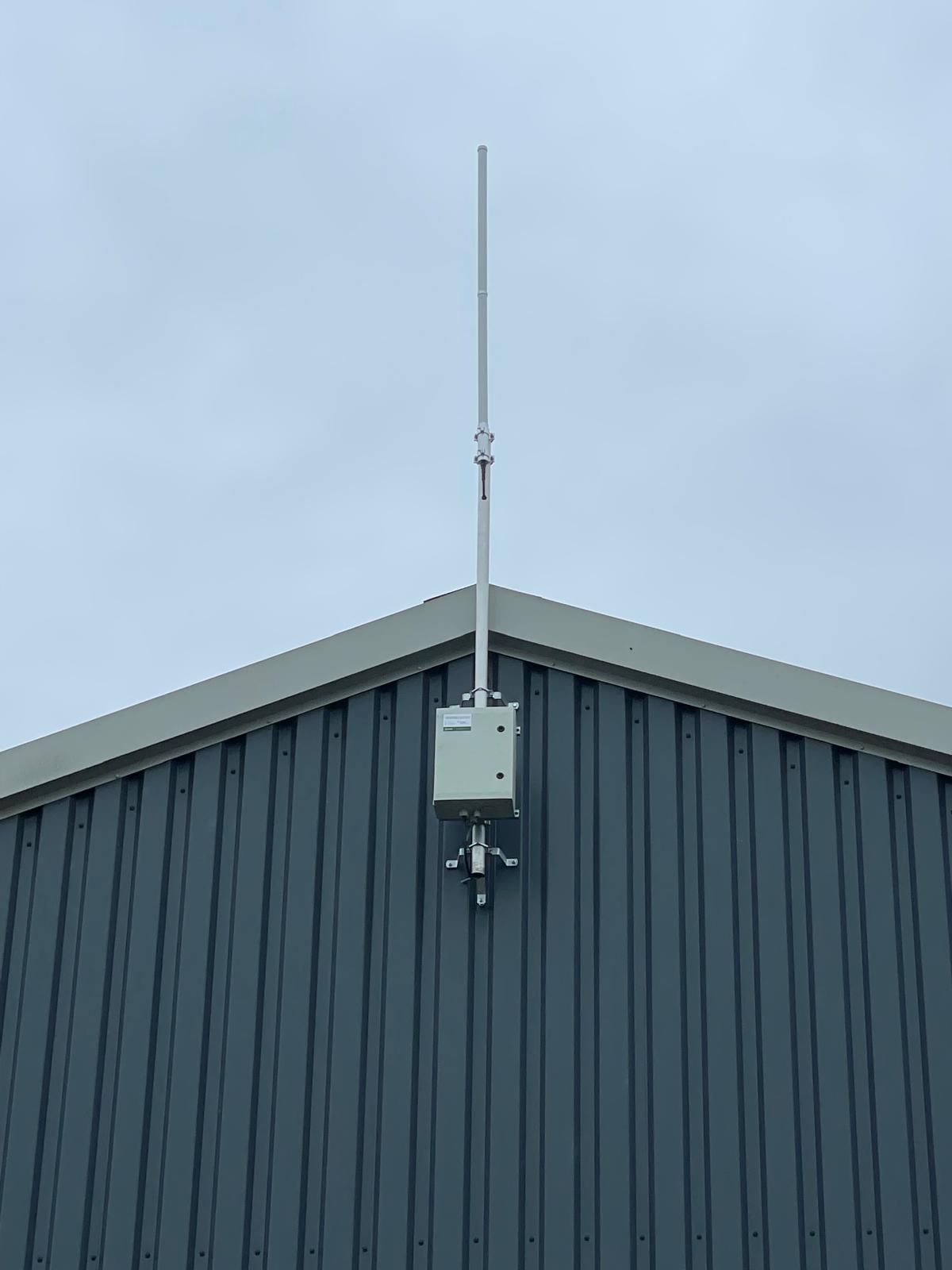
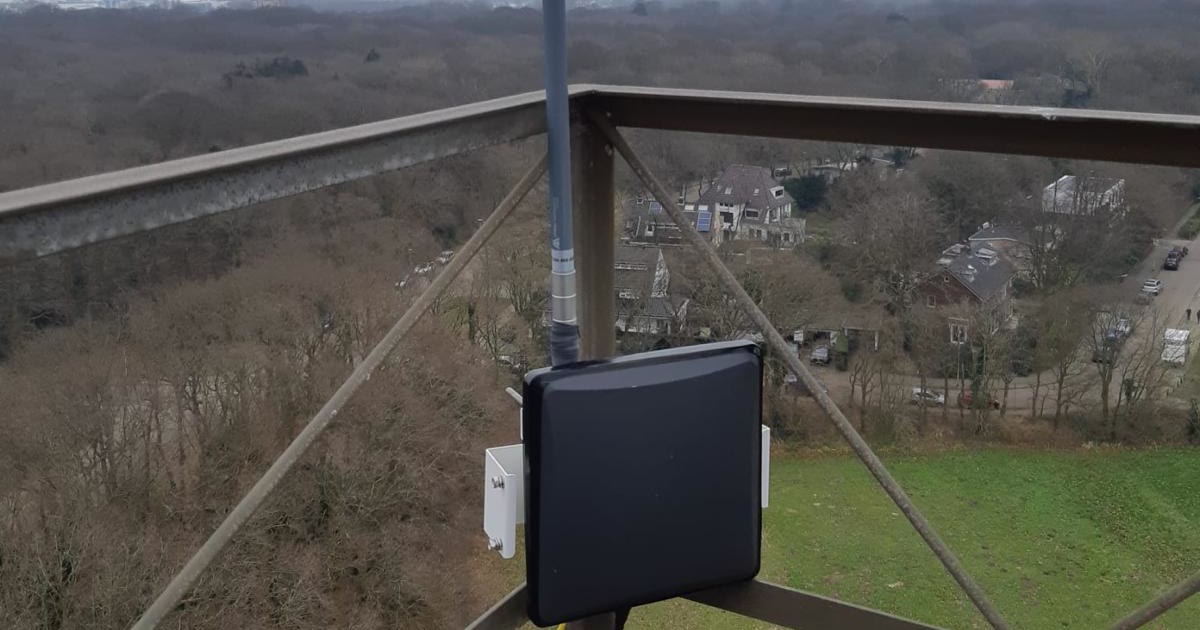
- →Antenna and cabling: Check that the antenna is connected, rated for 868 MHz, and undamaged. Water in an outdoor N-connector or a crushed coax cable can cut range dramatically while leaving the gateway technically online.
- →Interference: A raised noise floor from nearby equipment can drown out weak sensors. Comparing RSSI and SNR trends over time helps separate interference from a failing antenna.
Step 6: Device Problems That Look Like Gateway Problems
Sometimes the gateway is fine and the symptom is a device that cannot join or never receives downlinks. LoRaWAN downlinks must reach the device inside tight receive windows. If the gateway has used up its duty cycle allowance, or the round trip between network server and gateway is slow, join accepts and acknowledgements can miss the window and be dropped.
Check the network server's downlink logs for scheduling errors before assuming the gateway is at fault. On high-latency connections, increasing the RX1 delay or relying on the RX2 window often fixes joins that fail intermittently.
The Quick Checklist
Why the Same Gateways Keep Going Offline
Fixing an outage is one thing. Noticing that the same handful of gateways go offline every few weeks is another. Repeat outages almost always point to an operational gap rather than a faulty unit:
- →No monitoring: Outages are discovered by customers or missing data, not by alerts.
- →Dependence on site networks:Every change a building's IT team makes is a potential outage.
- →No remote access: Every diagnosis needs a site visit, so small problems wait until someone can drive out.
- →Unmanaged firmware: Known bugs stay in the field because updating means touching each gateway by hand.
These are exactly the disciplines covered in our guide to LoRaWAN gateway management. Once a fleet grows past a few dozen gateways, they matter more than any individual fix.
How EdgePilot Prevents Most of These Problems
EdgePilot gateways are designed to remove the most common causes of outages before they happen. Every gateway includes managed 4G connectivity, so there is no site network to break. Each one connects out to our platform through an outbound-only tunnel, which means our team can diagnose and fix configuration problems remotely without anyone opening a firewall.
Heartbeat checks and system metrics alert our team when a gateway stops responding or starts behaving abnormally, and firmware is kept current with over-the-air updates. Site visits are reserved for the rare cases where hardware genuinely needs hands. Our pricing page shows everything that is included, or get in touch if you would like help with a fleet that keeps dropping offline.
LoRaWAN Gateway Troubleshooting FAQ
Why does my gateway show as connected but no data arrives?
The gateway can reach the network server, but it is not receiving or forwarding sensor traffic. Check the frequency plan first, then the antenna and cabling, then whether the devices are registered on the same network server the gateway is connected to.
Is sensor data lost while a gateway is offline?
Usually, yes. Gateways do not store uplinks for later delivery by default, so messages sent while no gateway can hear them are lost unless another gateway in range picks them up. That is why overlapping coverage and fast detection of outages matter so much.
Should I use the UDP packet forwarder or LoRa Basics Station?
The Semtech UDP packet forwarder is simple and widely supported, but it is unencrypted and fails silently. LoRa Basics Station uses authenticated, encrypted connections and copes better with unreliable networks, which makes it the better choice for most production deployments.
Tired of chasing offline gateways?
EdgePilot monitors every gateway around the clock and resolves most issues remotely, before your data stops flowing.
Request a Demo